LifeForge — AI-Powered Task Management for Real People
For people who know what they need to do — but never get around to writing it down.
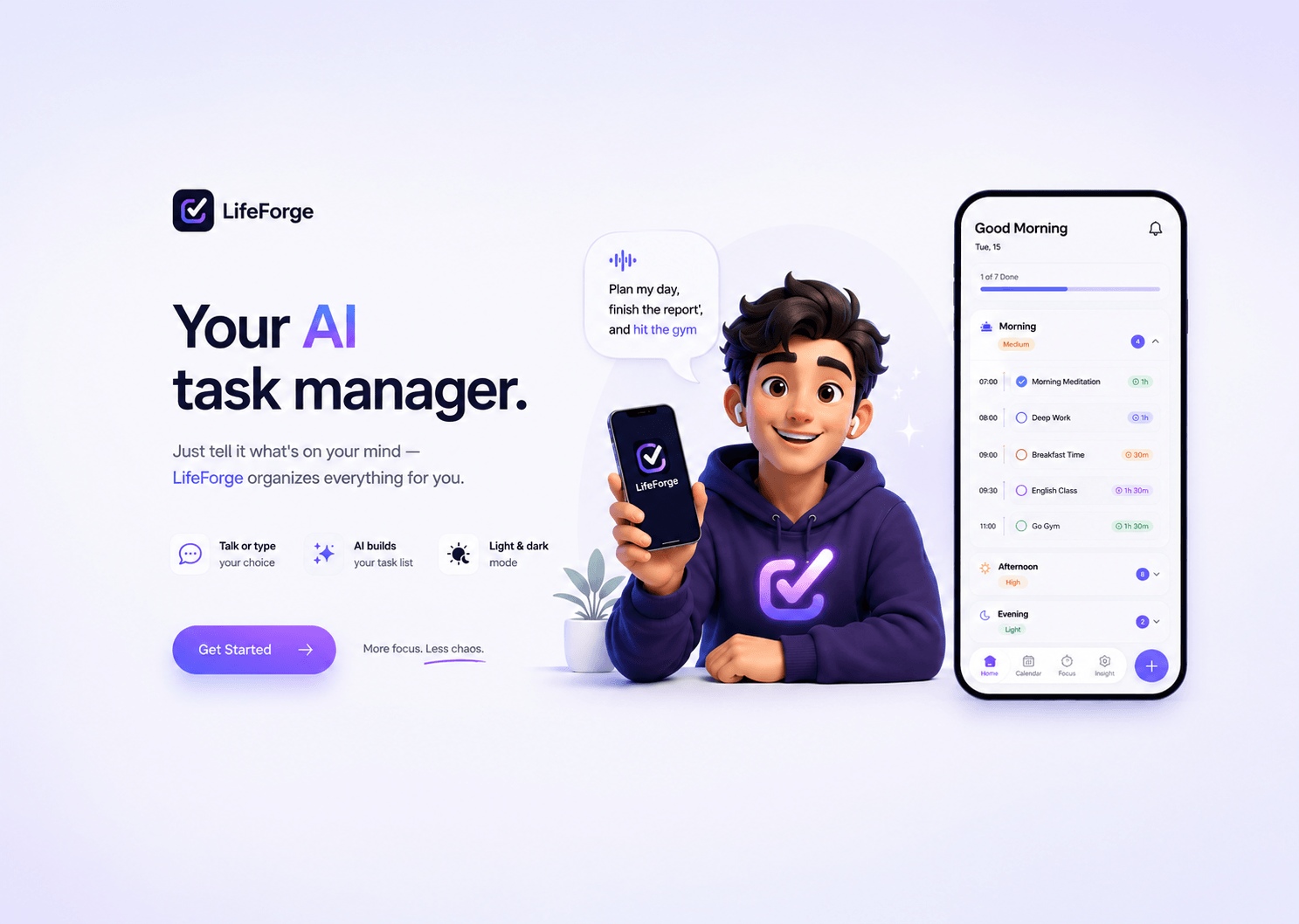
01 — A task manager that does the organizing for you
LifeForge is an AI-assisted productivity app for mobile. Instead of manually creating and arranging tasks, users tell the AI what's on their plate — by text or voice — and it builds and organizes their task list for them. Currently in active design with a developer partner.
02 — Most people don't fail at doing tasks. They fail at organizing them.
Existing tools like Notion, Todoist, and Apple Calendar are powerful — but they require the user to do the thinking upfront. You have to structure everything yourself. For people who are overwhelmed, forgetful, or just resistant to writing things down, that friction is exactly why the app never gets used.
03 — What the best productivity apps get right — and where they stop
I analyzed Notion, Todoist, Apple Calendar, and other productivity tools as a researcher and as a user. The pattern was consistent: great for organized people, overwhelming for everyone else. The gap wasn't features — it was the entry point. LifeForge starts with a conversation, not a blank page.
04 — Designing around the AI, not around the task list
AI as the starting point — Talk first, organize later
The primary input isn't a form or a text field — it's a conversation. Users tell the AI what they need in natural language or voice. The AI structures it. This removes the blank-page problem entirely.
Voice input as a first-class feature — Because typing is the barrier
Many users avoid task apps because typing feels like work. Voice input is designed as equal to text — not an afterthought button hidden in a corner.
Light & Dark mode — Designed for how and when people use it
Productivity apps get used at night. Dark mode isn't cosmetic — it's a usability decision. Both modes designed in parallel from the start, not retrofitted.
Simple now, expandable later — Start with one job, do it well
The first version focuses on one thing: getting tasks out of your head and into a structure. AI capabilities will expand over time — but the foundation is a frictionless first interaction.
05 — The experience, screen by screen
High-fidelity mobile screens in light and dark mode, designed in parallel — still evolving as we refine layout, copy, and motion.
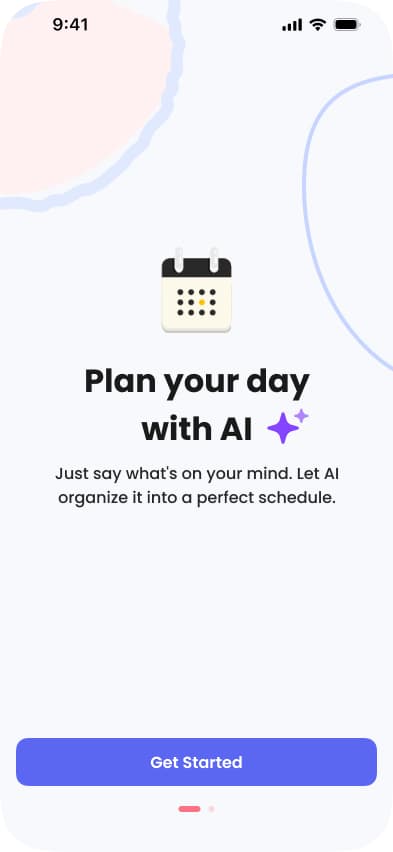
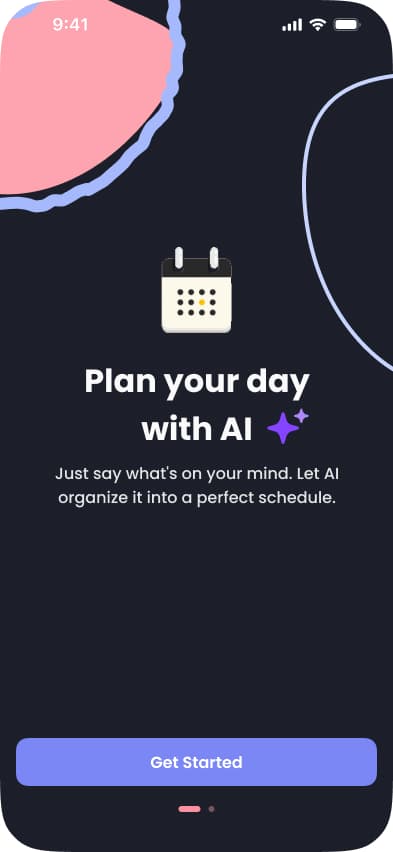
Just say what's on your mind — AI turns it into a perfect schedule.
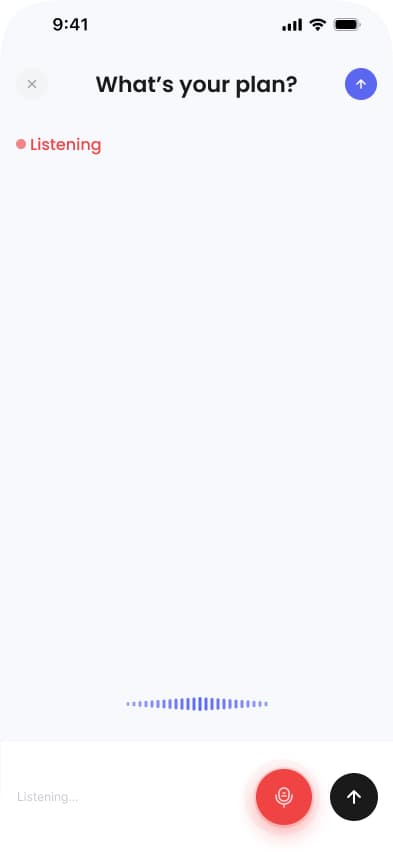
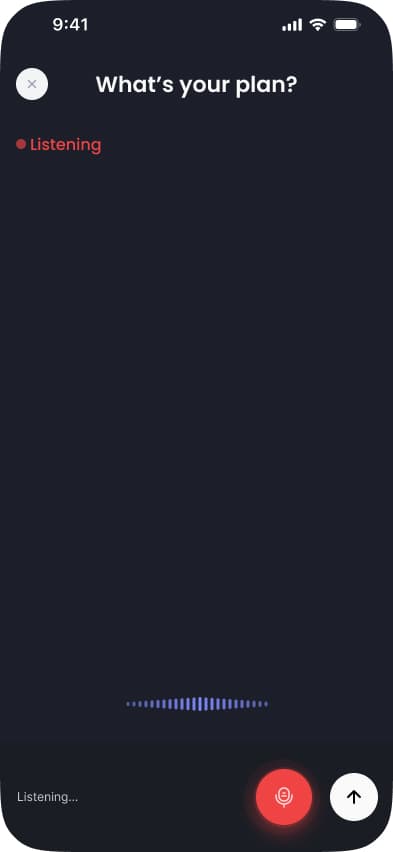
Speak your tasks out loud. No typing, no friction, no excuses.
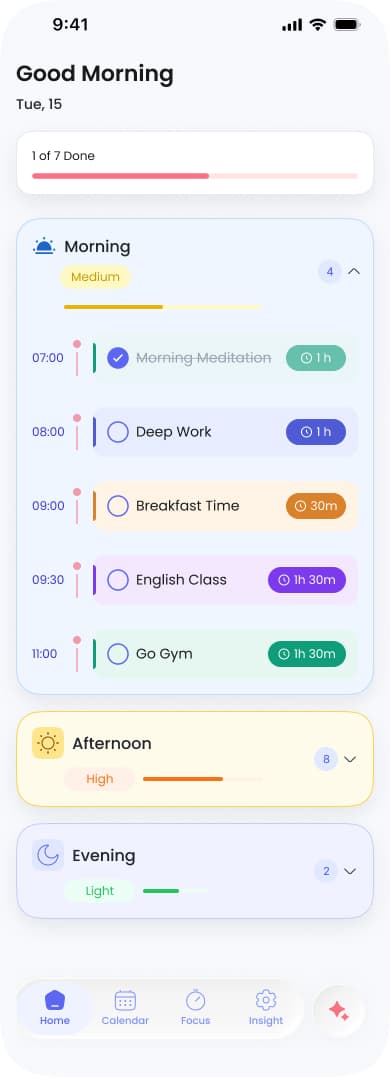
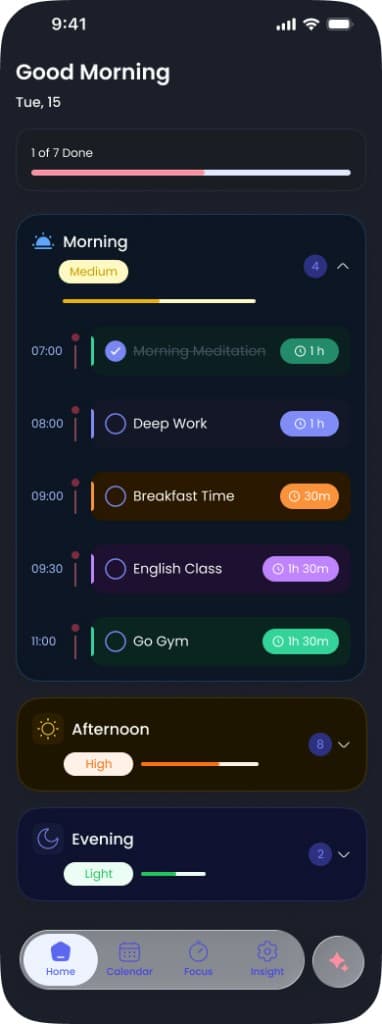
Morning, afternoon, evening — your whole day organized and prioritized automatically.
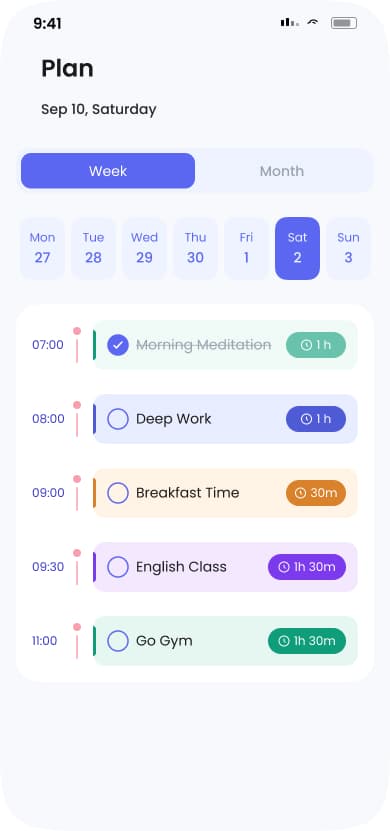
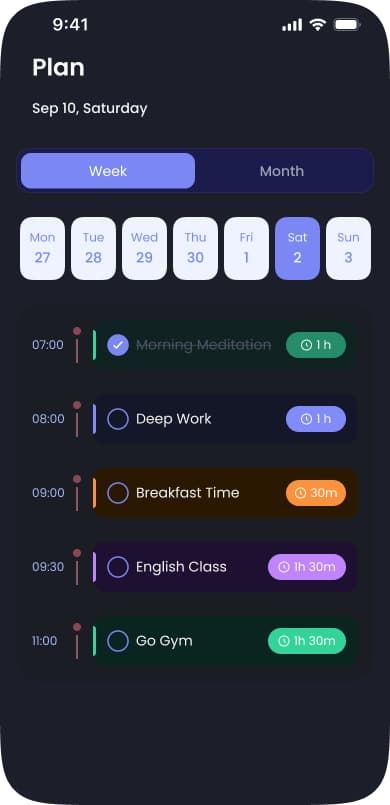
See your week at a glance. Every task in its place, every hour accounted for.
06 — Research-first, then design
Before any visual design, I mapped competitor flows, identified where existing apps lose users, and defined the core user journey. Design is being built with Figma alongside Figma Make and Claude for rapid iteration — working in close collaboration with a developer from day one.
07 — Currently in active design
LifeForge is an ongoing project. Research and competitor analysis are complete. Core flows and design system are in progress — light and dark mode being designed in parallel. This case study will be updated as the product develops.